+20 155 969 5326
 info@as-home-group.com
Booking a Holiday Apartment in Hurghada: What to Check
How to read a Hurghada holiday-apartment listing before you pay: the total, deposit or full payment, minimum stay, cancellation date, beds, pool and beach access.

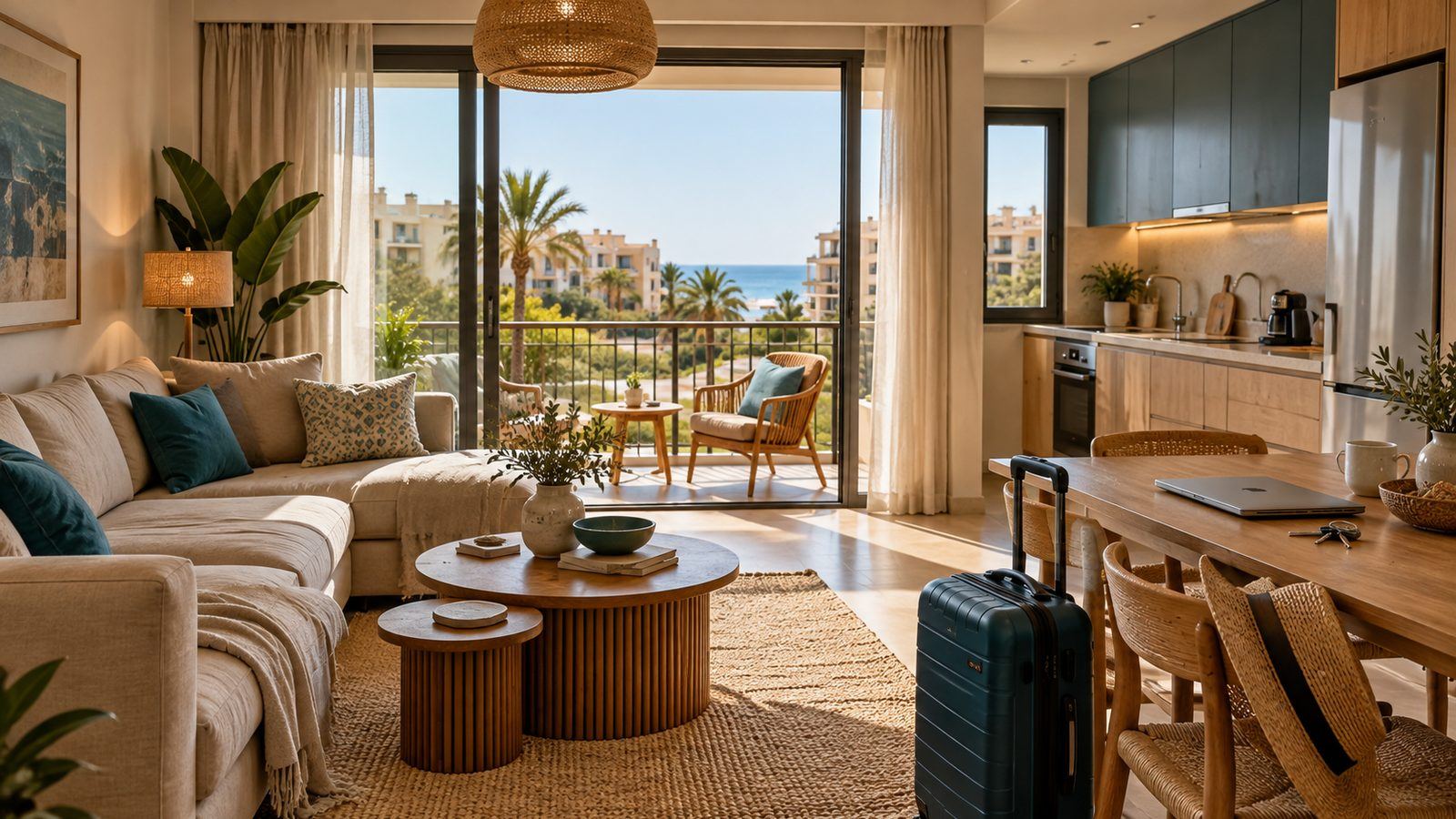
Before you book a holiday apartment in Hurghada, put your exact dates and group into the listing and read four things the photos cannot show: the total for your dates, including taxes and any listed fees; whether you can pay a deposit online and the rest in cash on arrival; the minimum stay; and the free-cancellation date with what the listing says about cancelling after it. Then check the sleeping arrangements, what "pool" and "beach" actually mean for this unit, and whether the kitchen and Wi-Fi are listed. Anything the page does not state is a question, not an assumption.
Who this guide is for. Travellers booking a holiday apartment, studio or chalet in Hurghada for a short break or a longer stay. It walks through an As-home listing page from top to bottom. For a single family weighing an apartment against a hotel, see hotel or vacation rental in Hurghada; for choosing a neighbourhood, see the best areas to stay in Hurghada.
Photos sell a holiday apartment, but photos alone cannot confirm what is included: a wide-angle lens can make a balcony look like a terrace, and the pool in the photo may be the compound's. The useful information is in the text, the facts line and the booking panel. On 15 October 2026 As-home listed 41 holiday homes in Hurghada; this is how to read any one of them.
1. Put in your dates first
The price on a search card is a guide for one night. It is not the price of your stay. Prices can change by night (weekends and holidays often cost more; our guide to weekend pricing explains why), and some costs are charged once per booking. Choose your dates and number of guests on the listing, and the booking panel calculates the stay you are actually buying.
The panel lists the accommodation cost, any discount, taxes and fees, and the total. On As-home, holiday-home taxes and fees are shown as a single 15% line. A small number of listings also carry a management fee, a one-off charge per booking that appears as its own line; in Hurghada on 15 October 2026, one listing had one. The total on the panel is the figure to compare between listings, not the nightly card price.
2. Full payment or deposit
Many holiday homes let you choose how to pay. Under How would you like to pay? you will see Pay in full now and, where the host has switched it on, Pay a 15% deposit now. The deposit is 15% of the accommodation subtotal (the nightly prices, after any discount that applies), not 15% of the final total. Taxes and any fees are left to the balance, which you pay in cash at check-in.
| Illustrative booking: 3 nights at EGP 900 | Amount |
|---|---|
| Accommodation subtotal (3 × 900) | EGP 2,700 |
| Taxes and fees (15%) | EGP 405 |
| Total for the stay | EGP 3,105 |
| Deposit paid online (15% of 2,700) | EGP 405 |
| Balance paid in cash at check-in | EGP 2,700 |
An example of how the calculation works, not a quote for any listing. Your figures depend on the listing, the dates and any discount. The amounts shown on the booking panel and at payment are the ones to follow.
3. Minimum stay and how the booking is confirmed
Some hosts accept a single night; others require two, three or a full week. In Hurghada on 15 October 2026, 32 of 41 holiday homes accepted one night, eight required two or three, and one required seven. If your dates are too short, the panel tells you the minimum.
Each listing is also either Instant booking, confirmed as soon as you pay, or Request to book, where the host reviews your request before confirming. In Hurghada 28 of 41 were instant. If your travel is fixed, an instant booking removes one uncertainty.
4. The cancellation date
Once you have chosen dates, the listing shows a free-cancellation date. The window is set per listing (2, 5 or 7 days before check-in), so two similar apartments can differ, and a few listings are non-refundable, which the page states. On As-home:
- Cancel up to the free-cancellation date and you get a full refund of what you paid online.
- Cancel after that date but before check-in and one night is kept; the rest of what you paid online is refunded.
- If you paid a deposit, the night kept is capped at the amount of your deposit, and any part of the deposit above one night is refunded. The cash balance was never collected, so there is nothing more to pay.
- Cancelling before your check-in day goes through straight away: you do not have to wait for the host to approve it, and the refund is worked out at the moment you cancel.
If your plans might change, compare the free-cancellation dates as well as the prices.
5. Who sleeps where
Bedrooms are not beds, and beds are not capacity. Read the bedroom and bathroom count and the beds described in the listing, then match each person in your group to a bed. Some Hurghada units use bunk beds or sofa beds; some family rooms have single beds only. Many listings show a "Sleeps" figure, but more than half of the Hurghada listings did not have one on 15 October 2026, so do not rely on it alone. Count children: adults and children both count towards the guest total.
6. Pool, beach and sea: what is included
These are the words most likely to be misread. On As-home, hosts tag their listings, and the tags are worth reading closely:
| What the listing says | What to confirm |
|---|---|
| Shared pool | The compound's pool, shared with other residents and guests. Ask about opening hours and pool rules, whether there is a lifeguard, and whether children must be supervised by an adult. |
| Swimming pool | Does not tell you whether it is private to the unit or shared. Read the description, and confirm with the host whether the pool is private or shared. |
| Beach access | Whether access is included in the price, how you get there (walk, shuttle, car), and whether there is a fee per person or per day. |
| Sea view | Which rooms have it and how much of the sea is visible. A partial view from a balcony is still a "sea view". |
In Hurghada on 15 October 2026, 27 holiday homes were tagged with a shared pool, 15 with a sea view and 6 with beach access. A photo of a beach is not evidence that the beach comes with the apartment. Our Arabic guide to Hurghada apartments by the sea covers this in more depth.
7. Kitchen, Wi-Fi and the everyday things
Read the amenities list for what you will use every day. Most Hurghada holiday homes on As-home listed air conditioning, an equipped kitchen, parking, a washing machine and Wi-Fi. A missing tag does not prove a unit lacks something, since hosts do not always tag everything, but it is a reason to read the description and ask. Some units titled as family rooms state that they have no kitchen. If you are working remotely, a Wi-Fi tag tells you there is a connection, not how fast it is.
8. Location and getting around
Check the map and the area name, not the word "Hurghada" in the title. Al Hadaba, Sheraton Road, the Aqua Fun area and Nour Plaza are very different in distance from the old town, the marina and the airport. The nearby places on a listing are measured in a straight line from the map pin, so the walk or drive will be longer. If you will not have a car, ask how you would reach the beach, shops and restaurants.
9. Check-in and the questions the page will not answer
Listing pages do not currently show a check-in time or how keys are handed over. If arrival matters, for example after a late flight, confirm the essentials before you pay: the earliest and latest arrival time, who meets you or how you collect the keys, and a contact for the day. You can message the host from the listing once you are signed in; phone numbers and email addresses in messages are hidden until a booking is paid, so keep the conversation on As-home. If you cannot get those answers before booking, consider another listing.
Before you pay, make sure you know
- The total for your dates, and which part is due now and which in cash on arrival.
- The free-cancellation date, and what the listing says about cancelling after it.
- Where every person in your group will sleep.
- Whether the pool is shared, and whether beach access is included and how you get there.
- That the kitchen, air conditioning and Wi-Fi you need are listed.
- The house rules: smoking, pets, visitors, quiet hours, and any rule about who may stay.
- How you will get there from the airport, and what time you can arrive.
Compare Hurghada holiday homes for your dates
Open the Hurghada listings, add your dates and group, and compare the totals, payment options and cancellation dates side by side.
Frequently asked questions
Can I cancel?
Yes. Up to the free-cancellation date shown on the listing you get a full refund; after it and before check-in, one night is kept (capped at your deposit if you paid one) and the rest is refunded. Cancellations before your check-in day go through immediately, without waiting for the host.
Can I ask the host a question before booking?
Yes. Once you are signed in, you can message the host from the listing. Ask about anything the page does not state, such as arrival time, beds or beach access, before you pay.
Method: figures for Hurghada come from As-home's public holiday-home search on 15 October 2026 (41 listings), with minimum-stay settings read from each listing's price quote for a three-night stay, 17 to 20 November 2026. Tags are set by hosts. Availability, prices and options change, and depend on your dates.
Available units in Hurghada
Current listings in the areas this guide covers. Add dates to see live prices and availability.
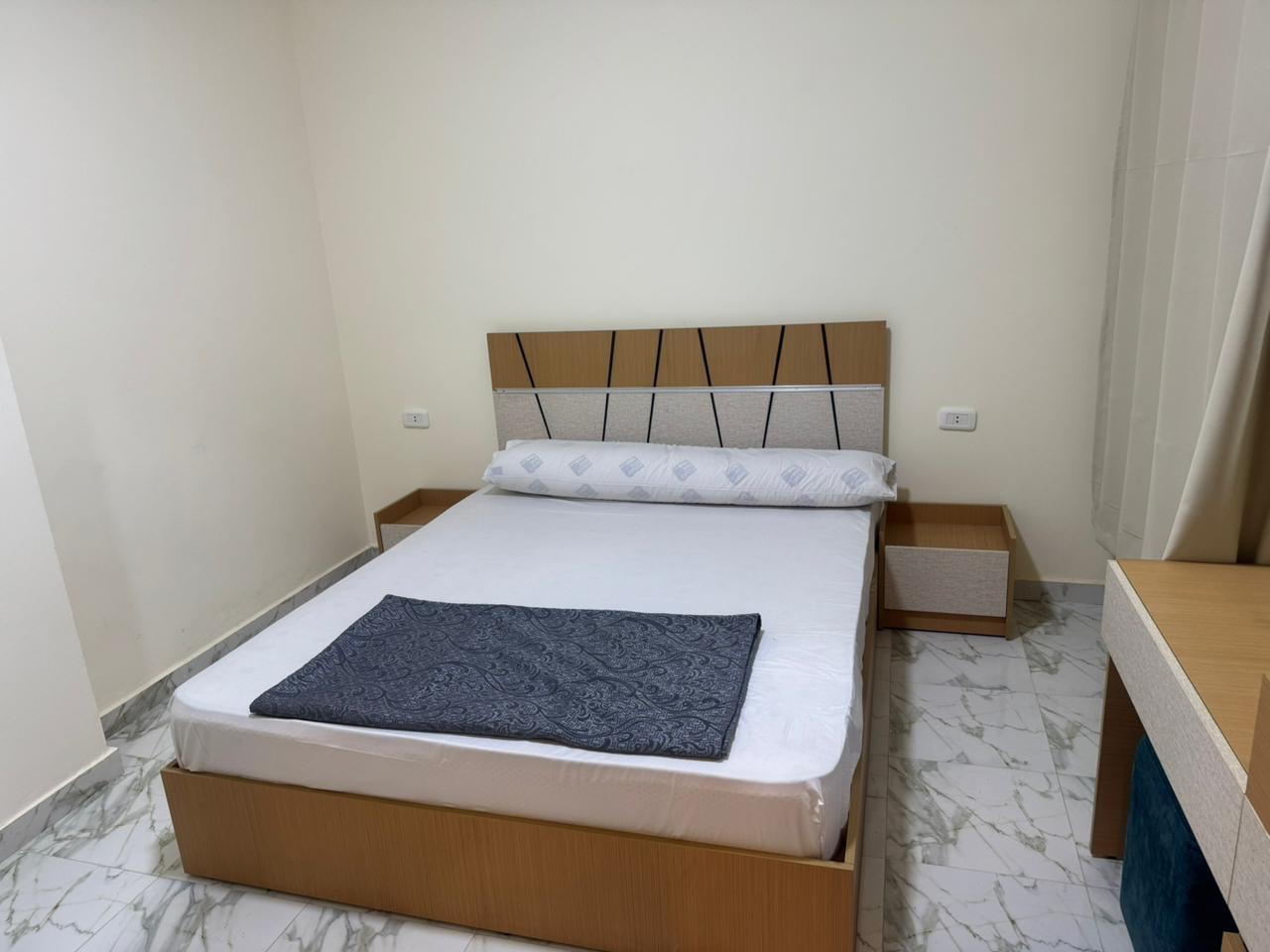
Two-Bedroom Apartment with Pool in Hurghada (Opens in a new tab)
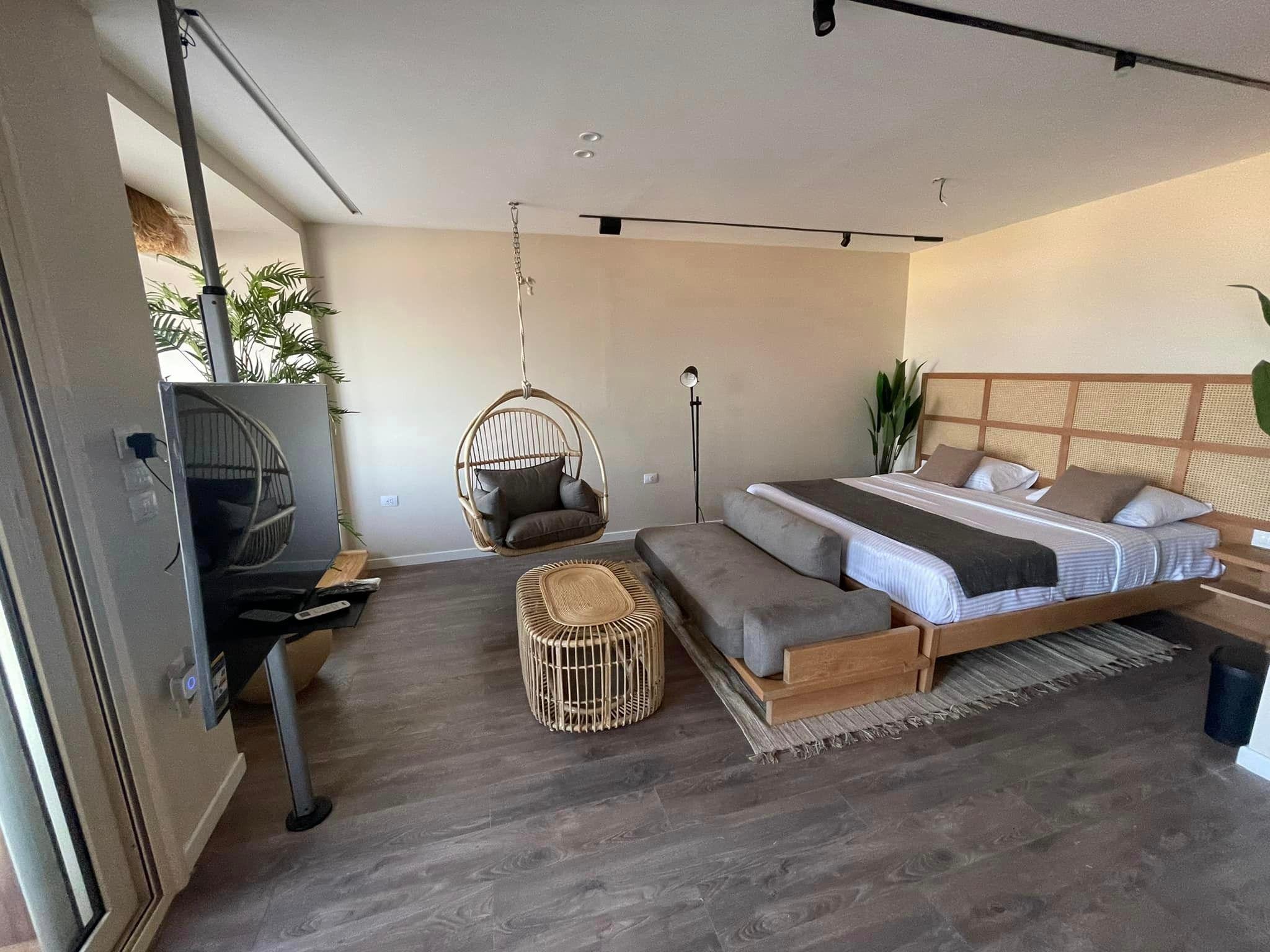
Lovers Suite with Sea View, Lilly Apartments, Al Hadaba, Hurghada (Opens in a new tab)
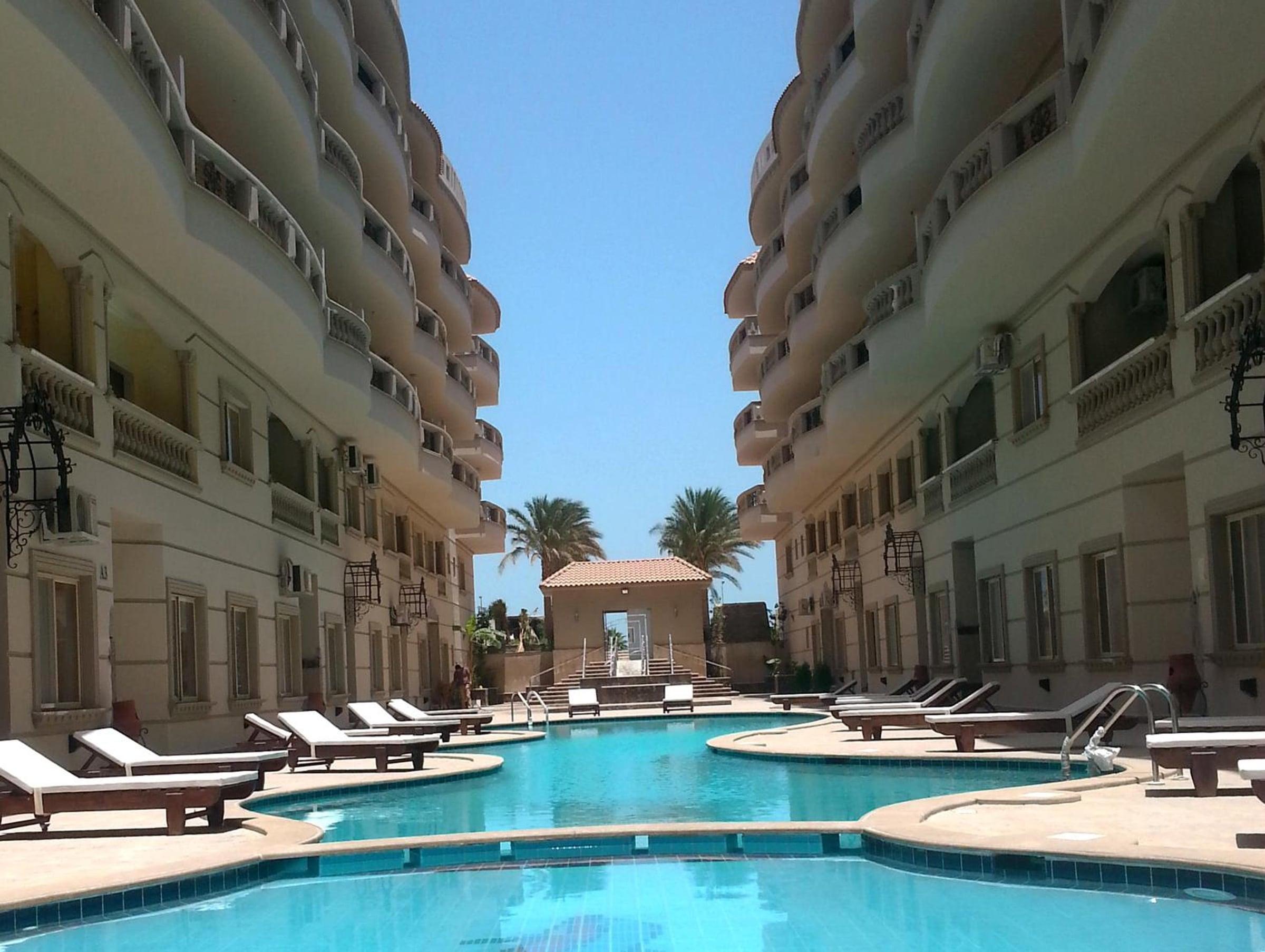
Two-Bedroom 80 m² Apartment at Nour Plaza, Hurghada (Opens in a new tab)
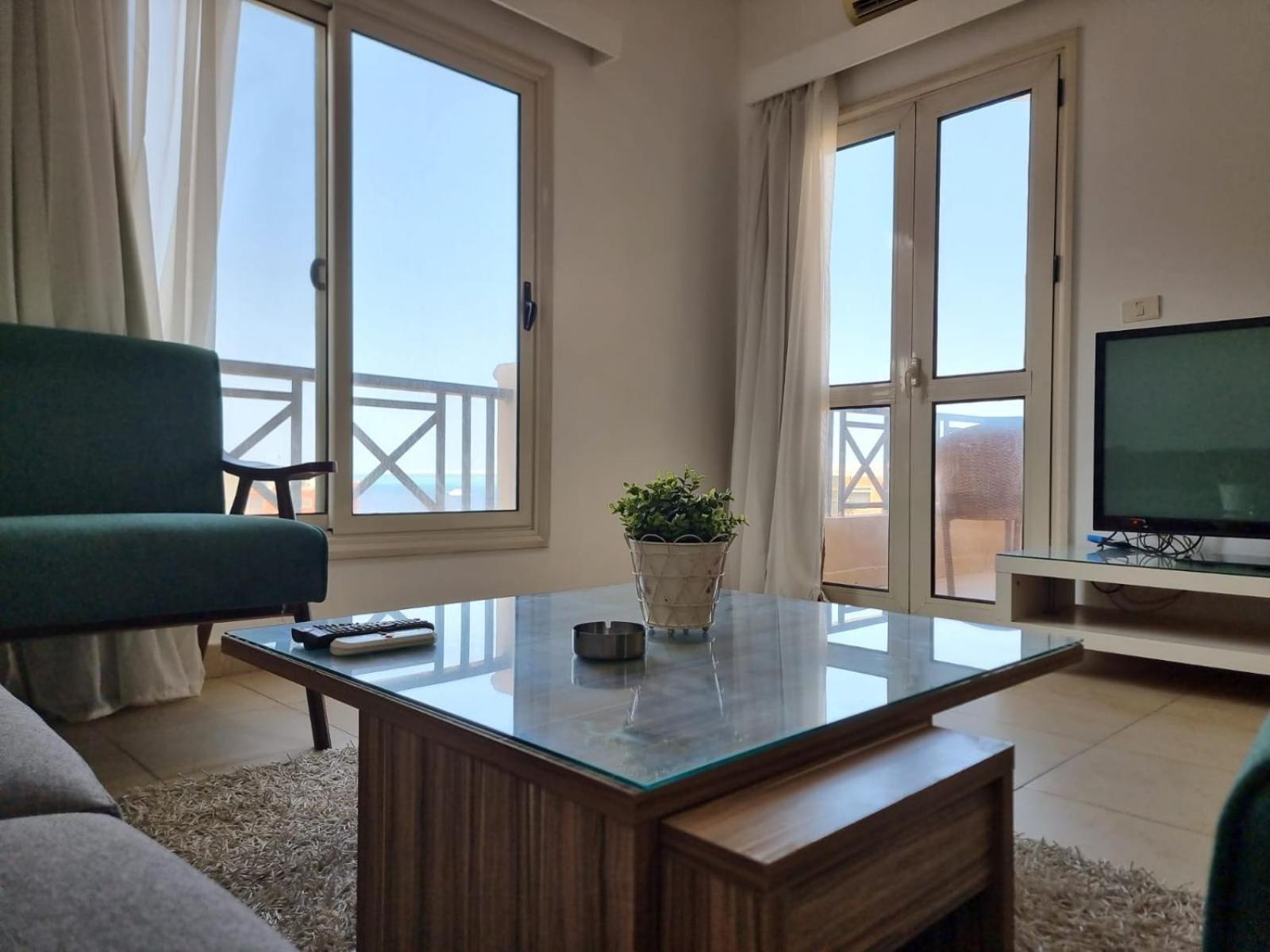
Superior 2-Bedroom Sea-View Apartment (Unit 2), Lilly Apartments, Hurghada (Opens in a new tab)
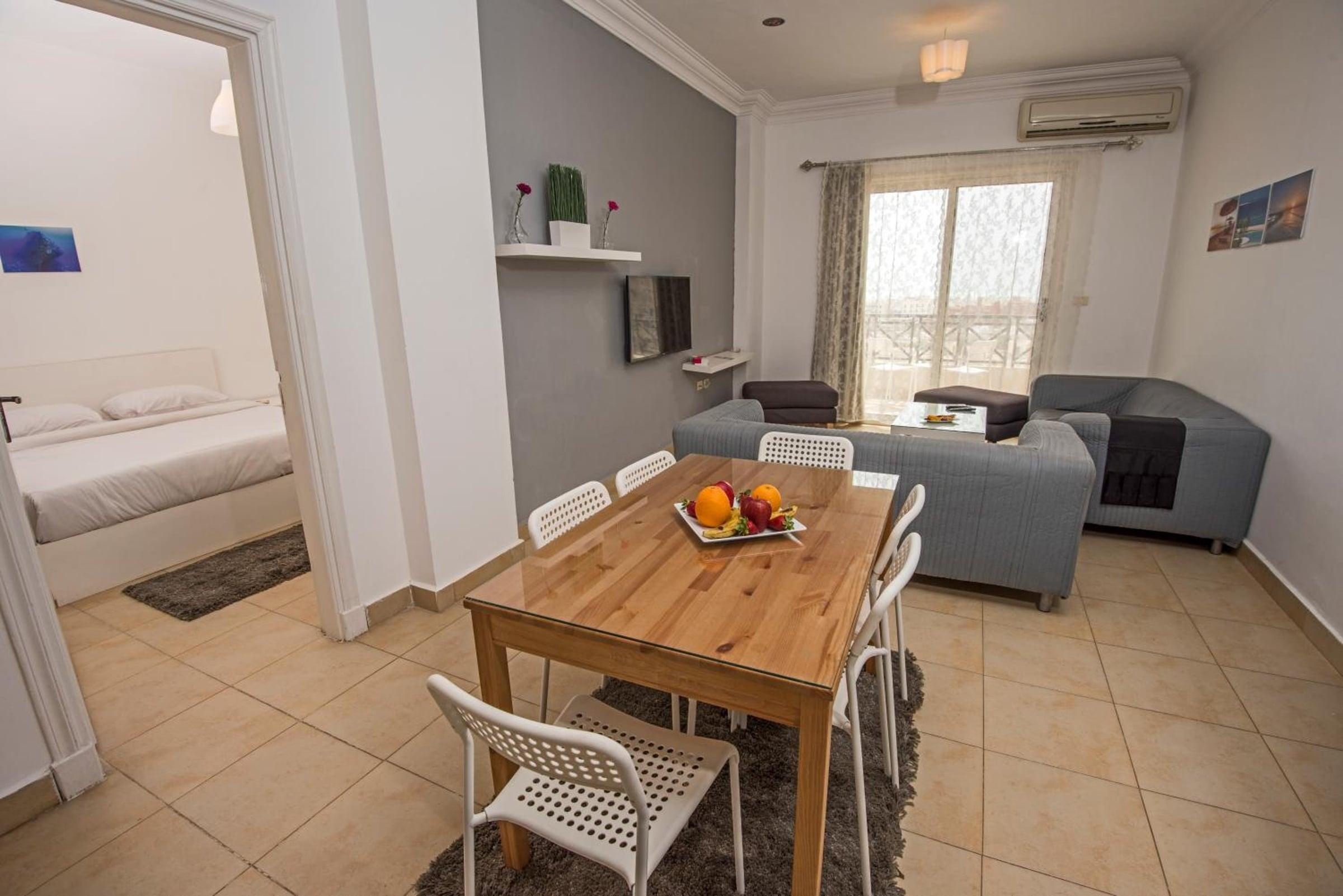
Standard 1-Bedroom Apartment with Partial Sea View, Al Hadaba, Hurghada (Opens in a new tab)
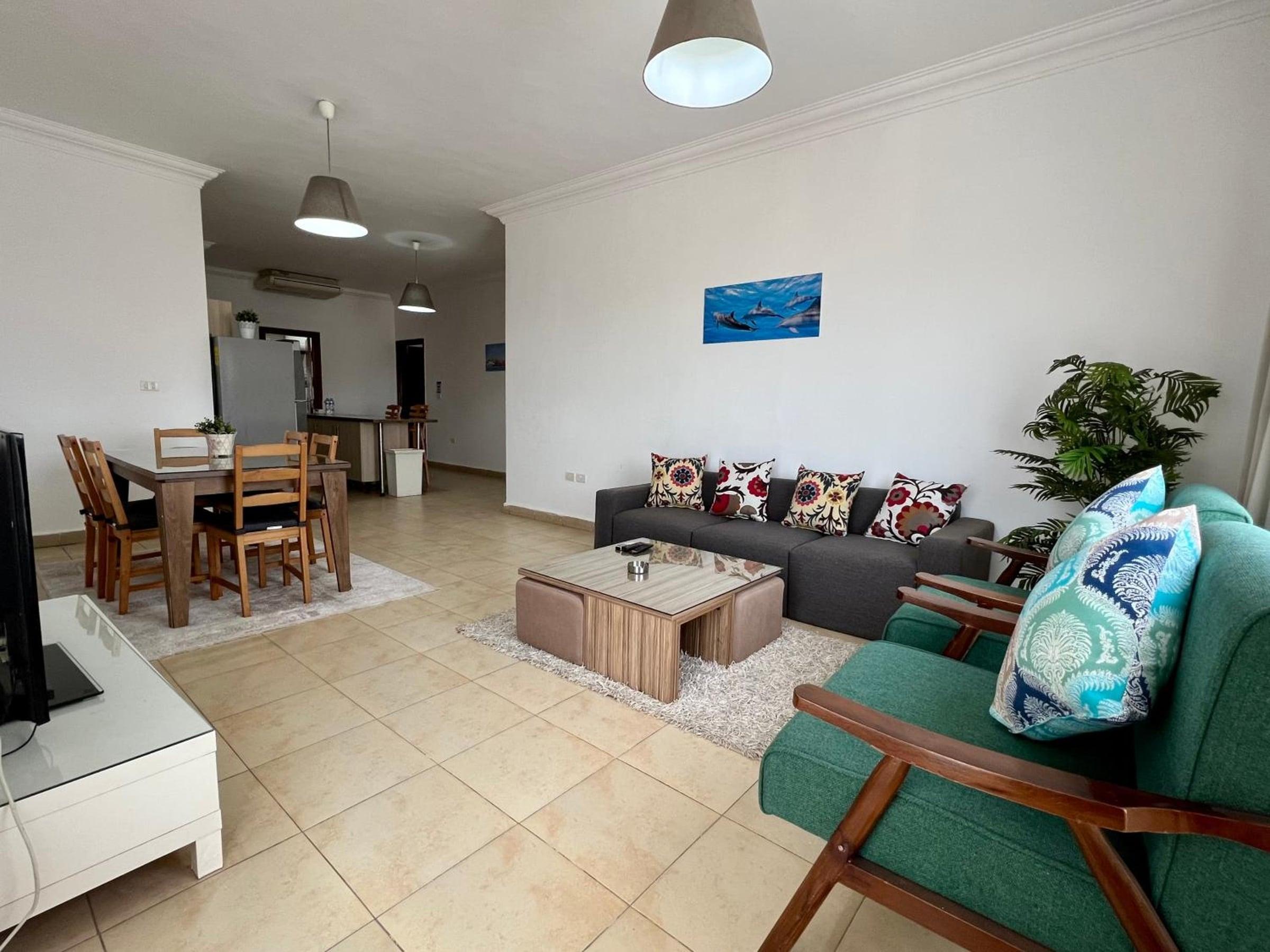
Superior Two-Bedroom Apartment – Lilly Apartments, Hurghada (Opens in a new tab)
More from Vacation guides.
قبل ما تحجز شقة مصيف في الغردقة: تتأكد من إيه؟
إزاي تقرا إعلان شقة مصيف في الغردقة قبل ما تدفع: الإجمالي، العربون ولا الدفع كامل، أقل مدة، آخر يوم للإلغاء، السراير، والبيسين والشاطئ.
The As-home teamOct 15, 2026
شاليه أو فيلا لعيلتين: وحدة كبيرة ولا وحدتين جنب بعض
مسافرين عيلتين مع بعض؟ إزاي تقارن بين فيلا أو شاليه كبير ووحدتين منفصلين: النوم، المساحة، المطبخ، الخصوصية، الإلغاء، والتكلفة الكلية وتقسيمها.
The As-home teamOct 6, 2026One Holiday Home for Two Families: Large Villa, Big Chalet or Two Separate Units
Sharing a holiday with another family in Egypt? How to compare one large villa or chalet with two separate units: sleeping, space, kitchens, privacy, cancellation and the total cost.
The As-home teamOct 6, 2026